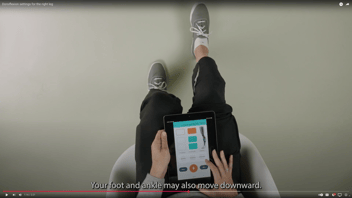
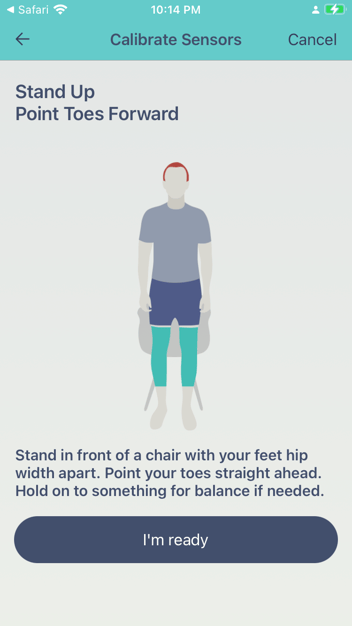
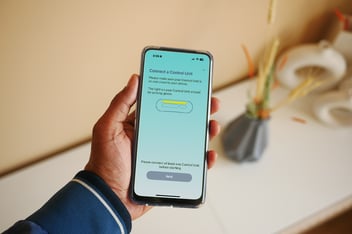
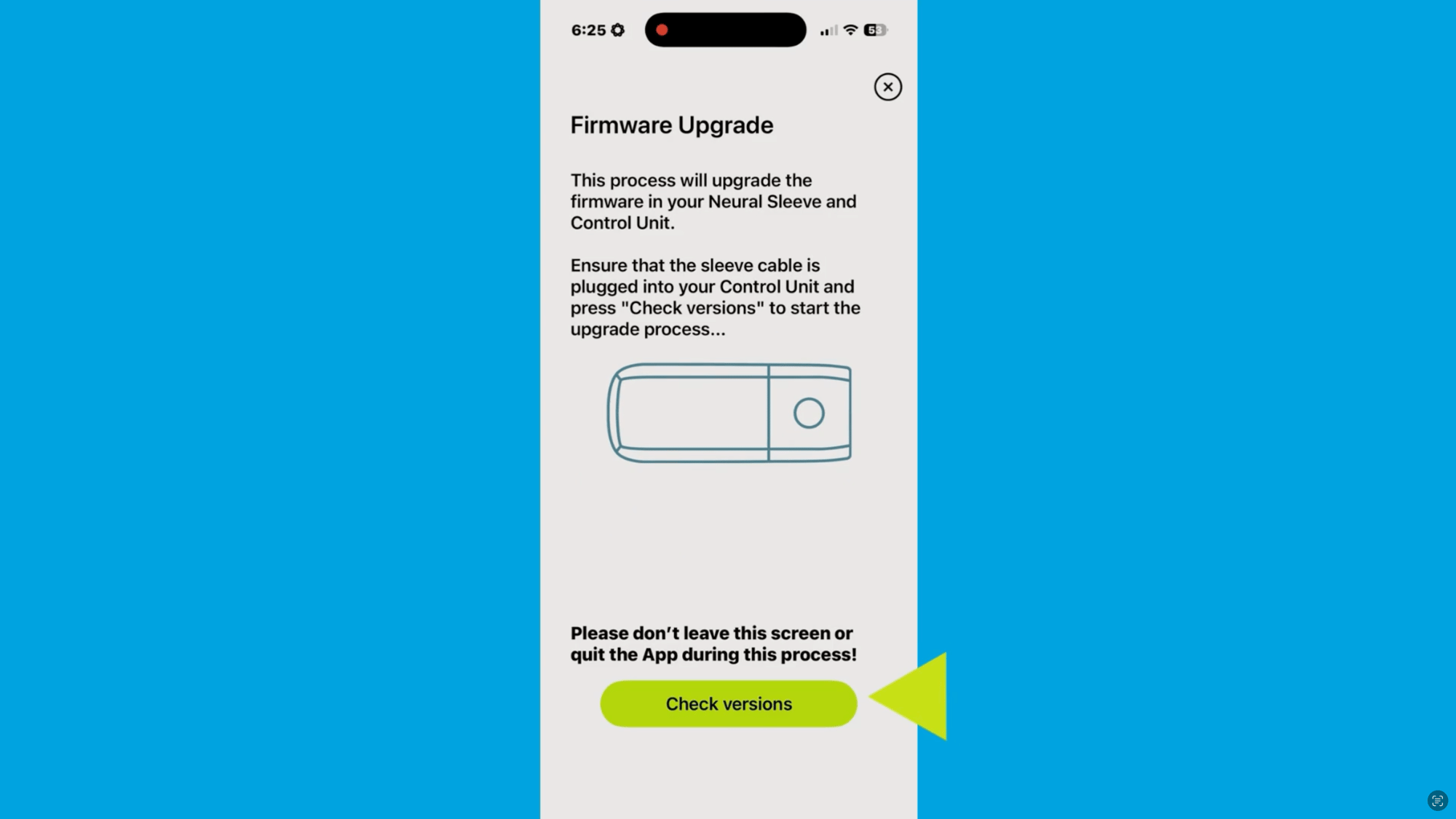
Keeping your Cionic Neural Sleeve firmware up to date helps ensure your device continues to perform as expected and gives you access to the latest improvements and functionality.
Watch the video below for a step-by-step guide to completing a firmware update in the Cionic app, including how to prepare, how to start the upgrade, and what to do if you run into an issue.
Still have questions?
Connect with our support team or return to the support homepage.
Mailing Address
1500 Green Hills Rd STE 109b
Scotts Valley, CA 95066
Scotts Valley, CA 95066
Email Address
Phone Number